Each component installs as plain source into components/dithercn/. Drop one into your page as it is, read its source to see how it's made, or point your agent at one and ask for a variation. For anything not here, ask your agent or write your own.
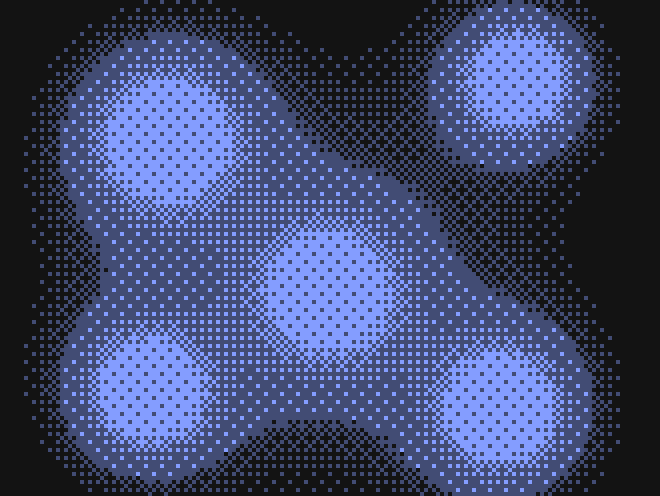
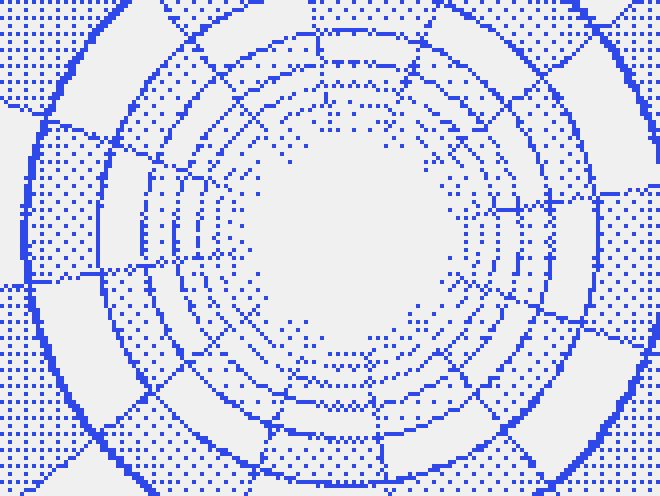
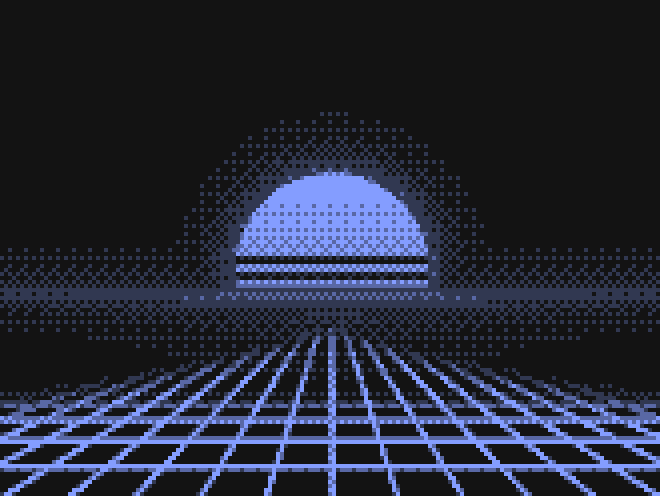
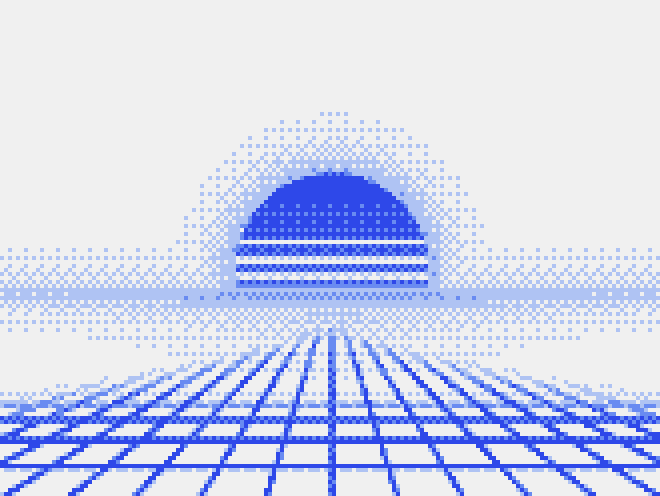
Backgrounds
24Full-bleed dithered surfaces for heroes, sections and cards.


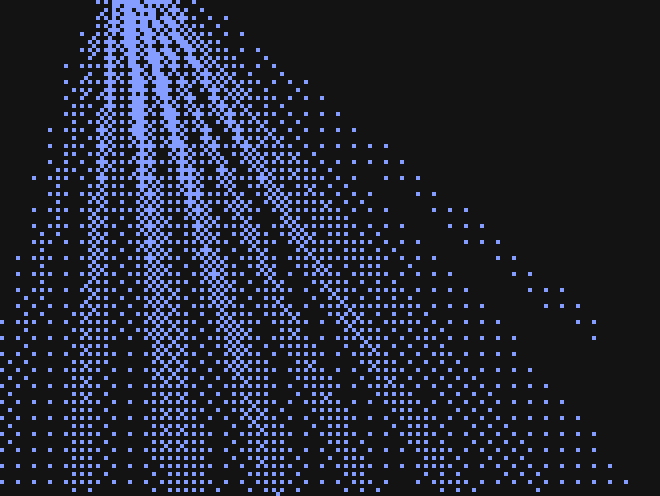
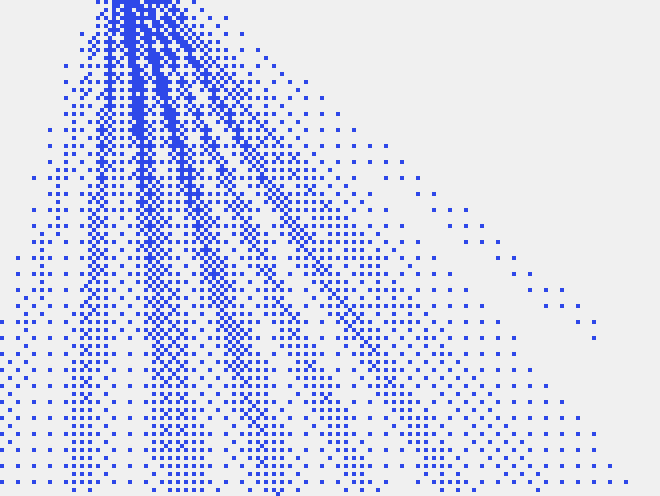








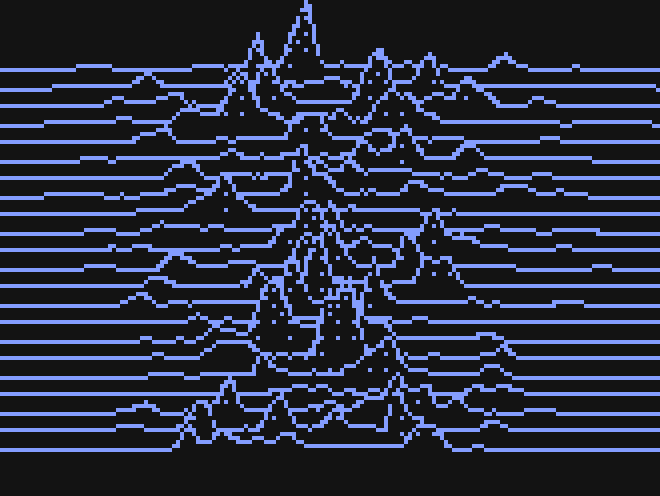
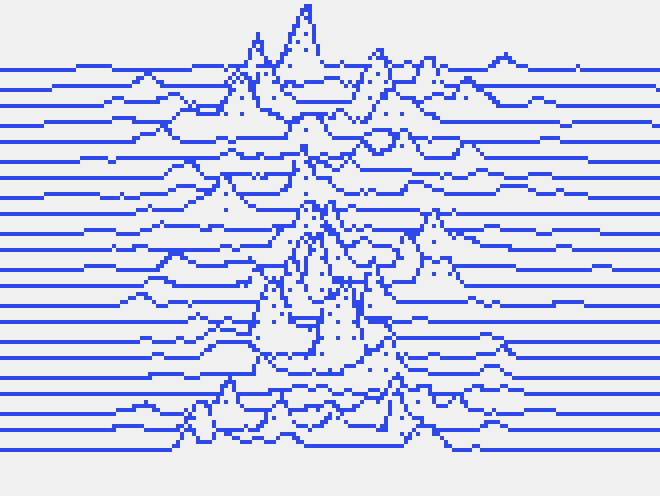




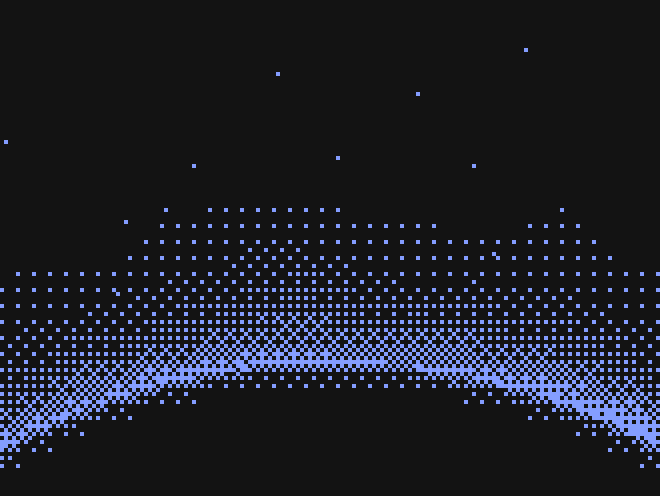
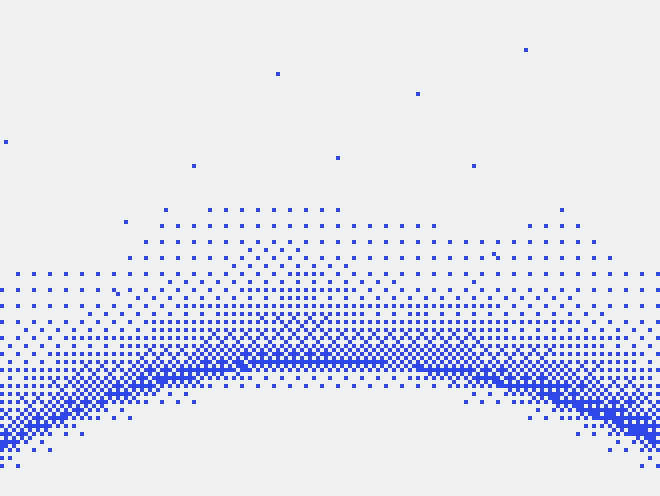


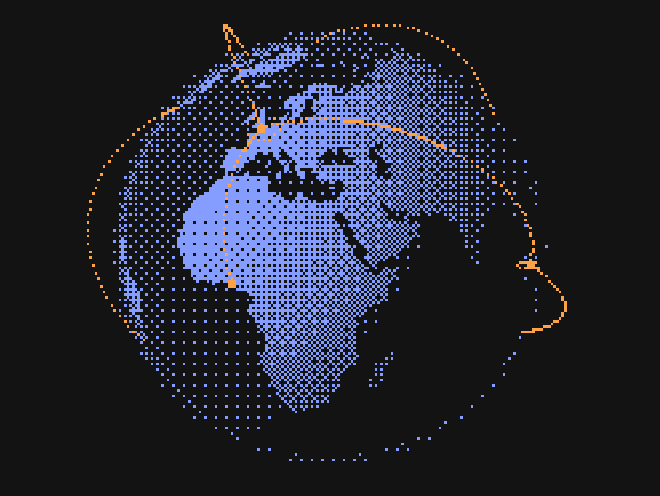
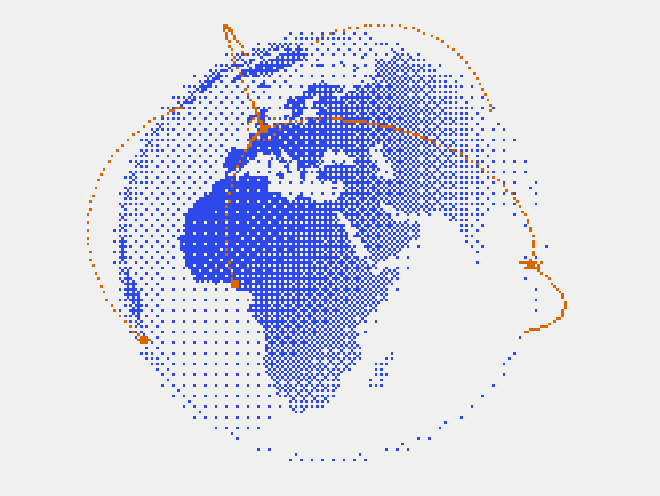
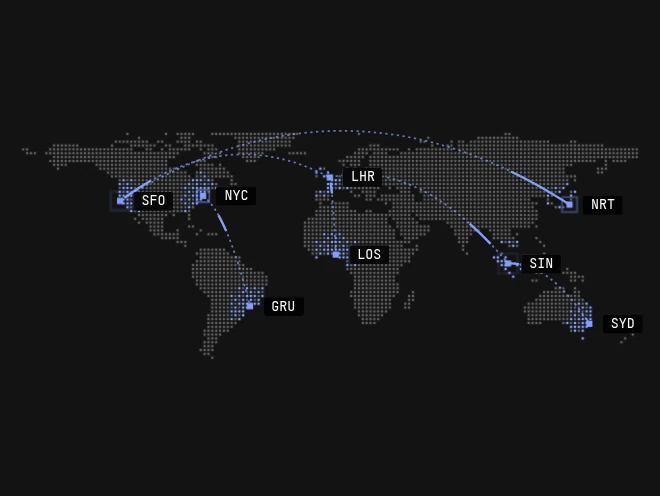
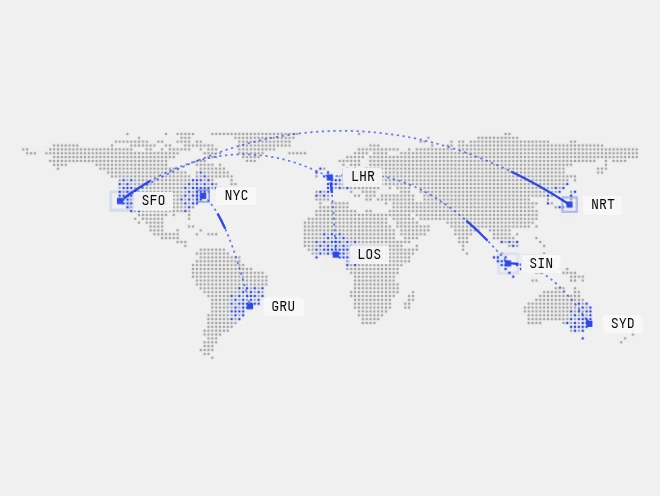

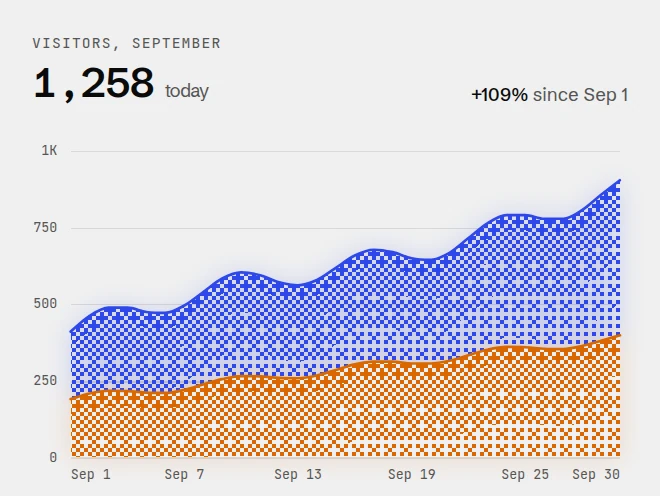
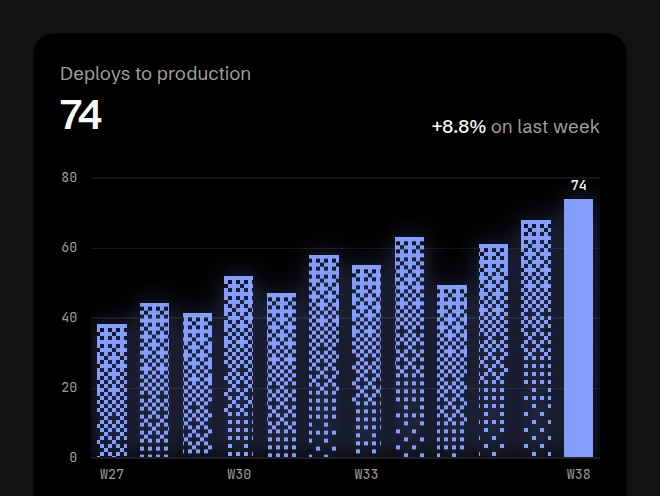
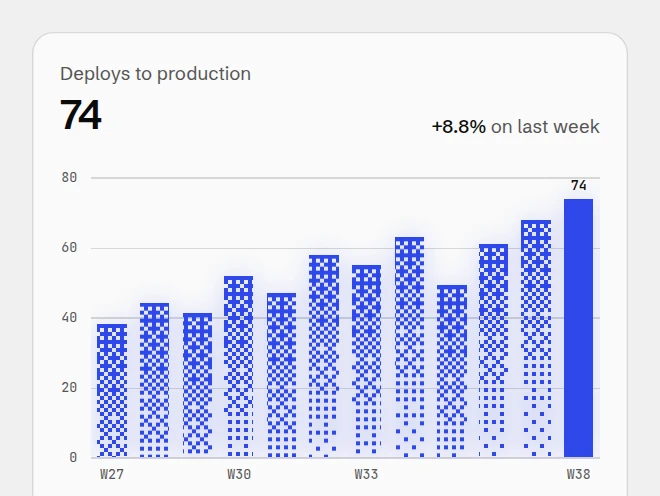
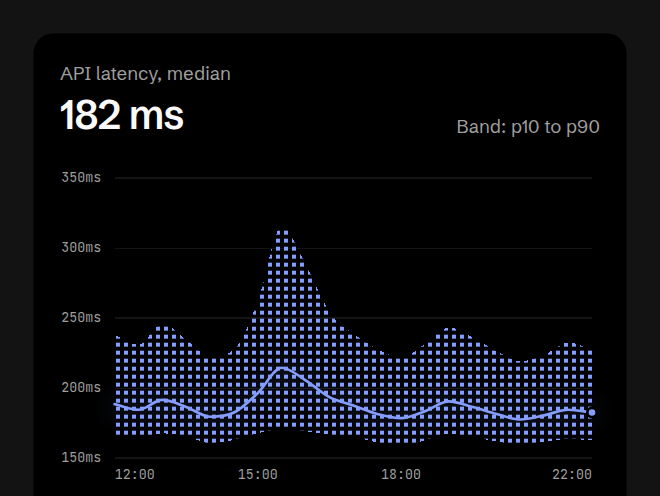
Charts
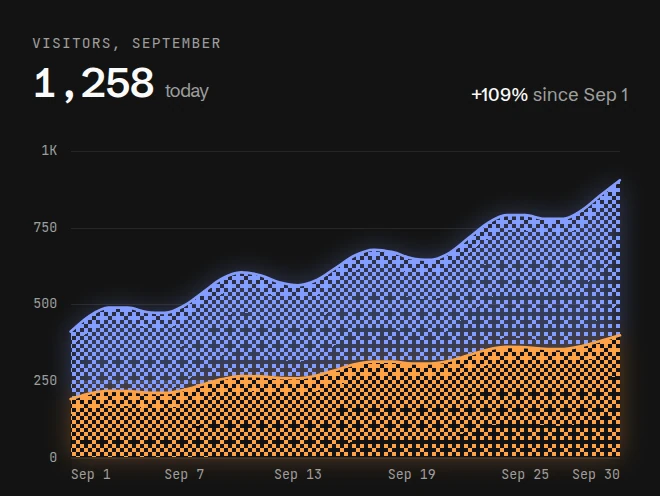
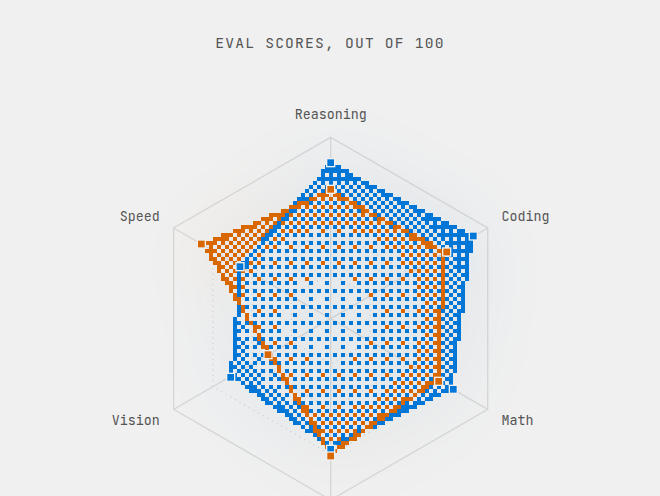
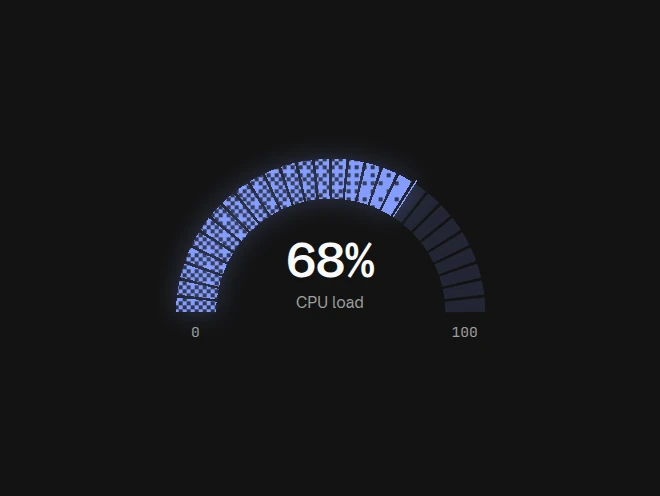
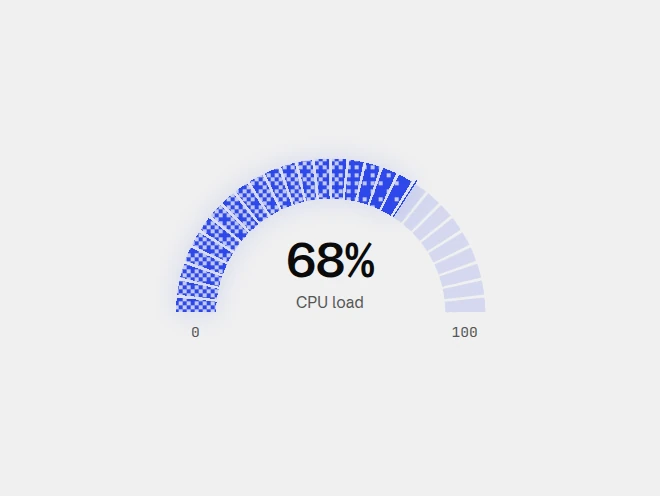
11Charts and status displays with a dithered fill.
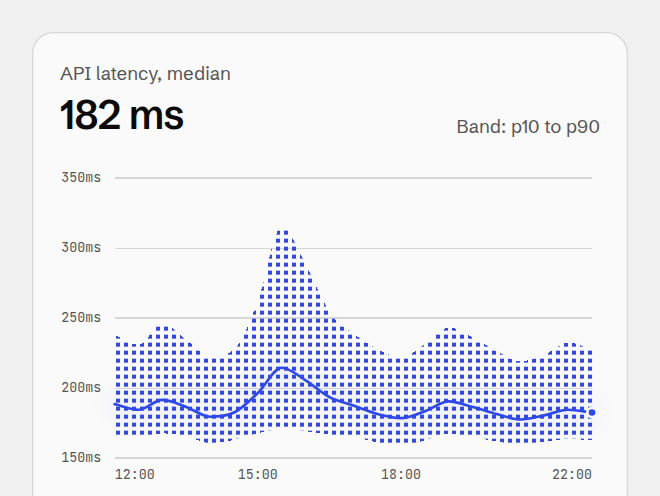
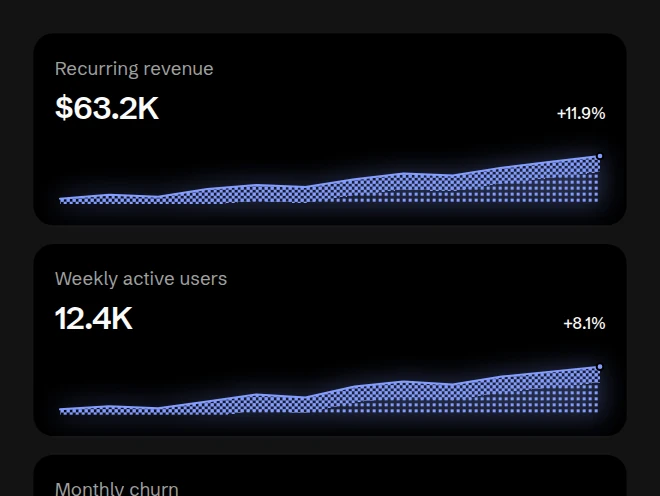
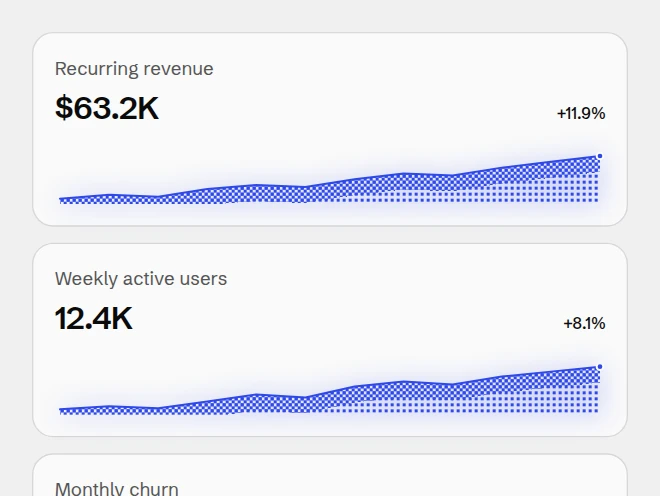
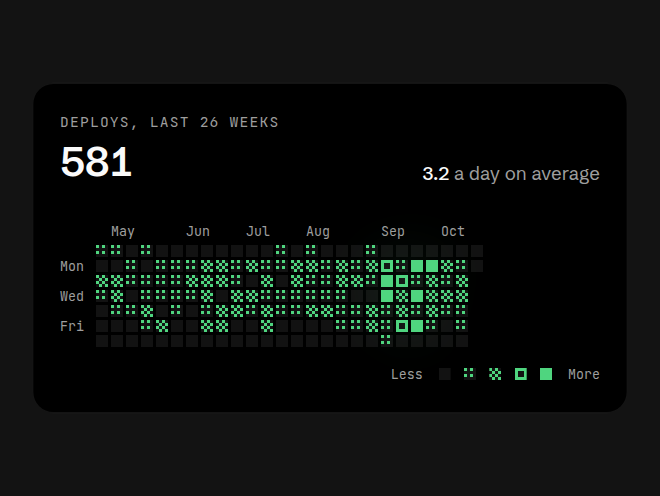
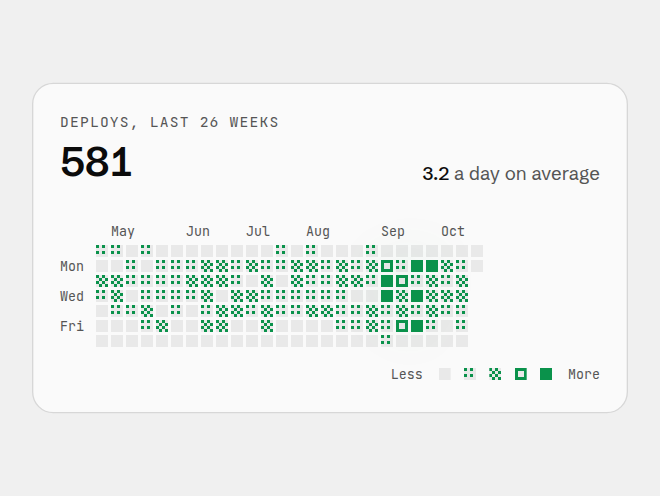
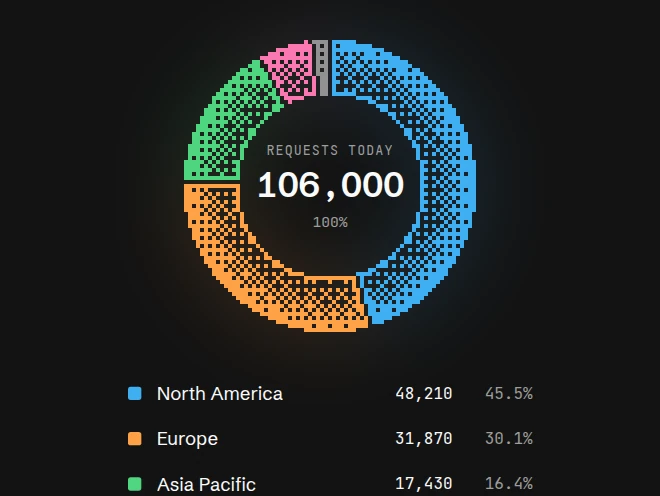
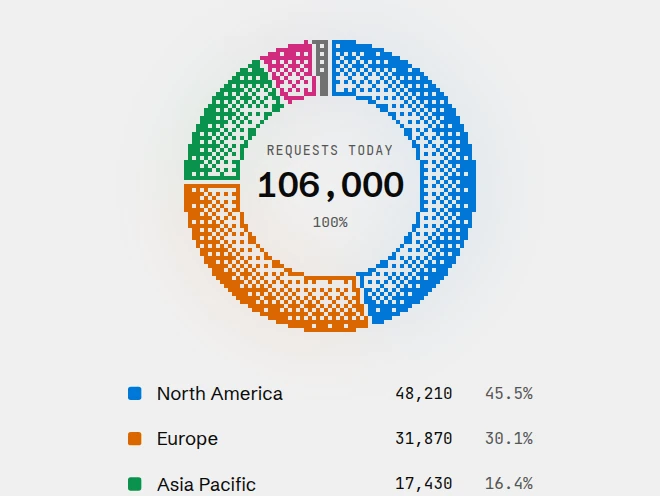
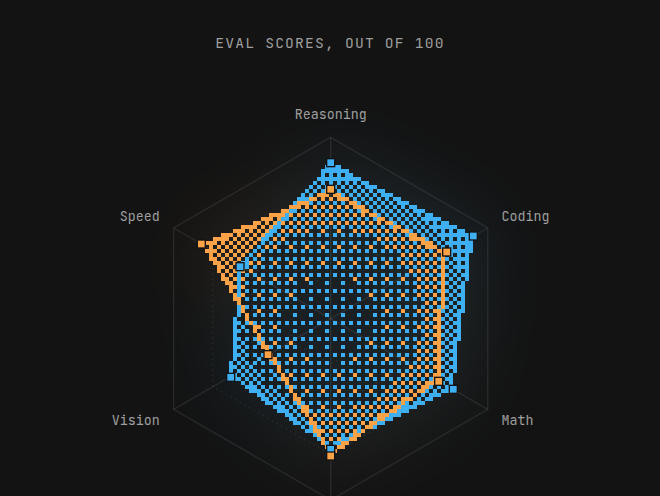
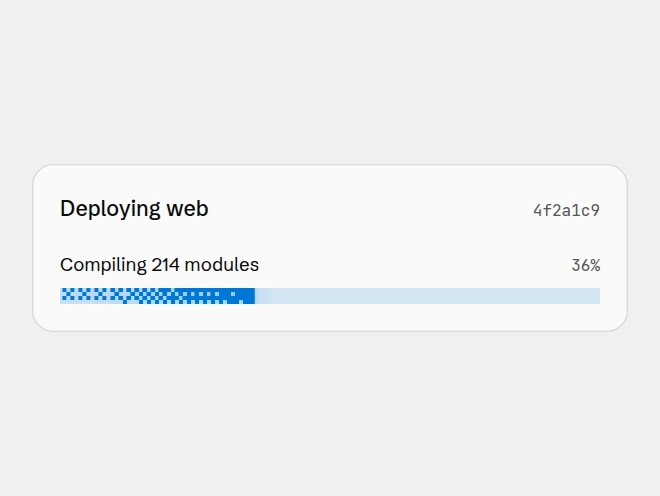
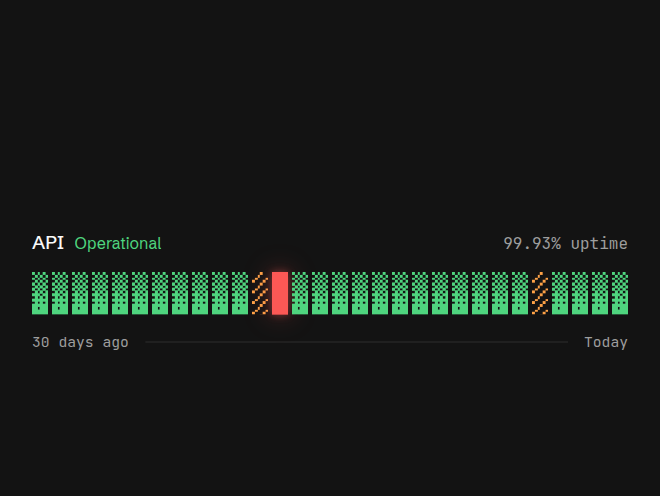
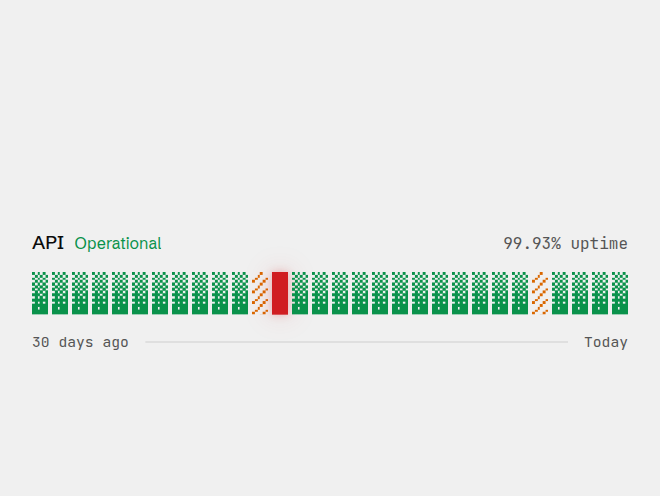

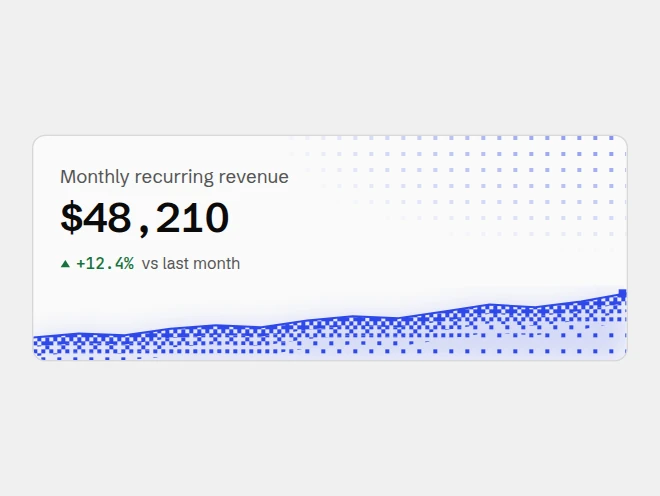
Interface
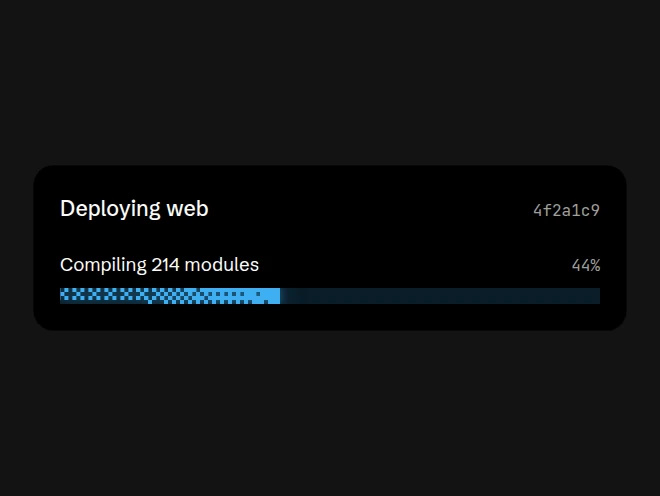
8Everyday interface pieces with a dithered finish.


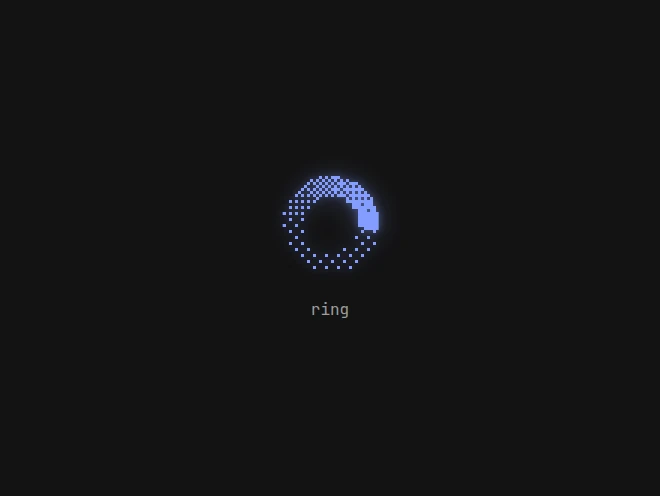


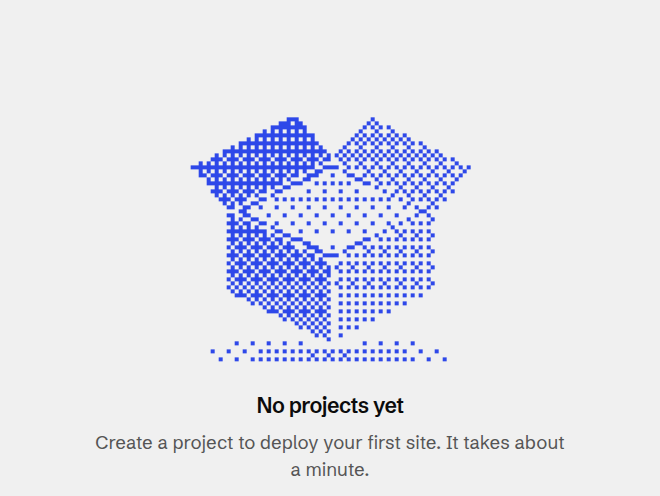


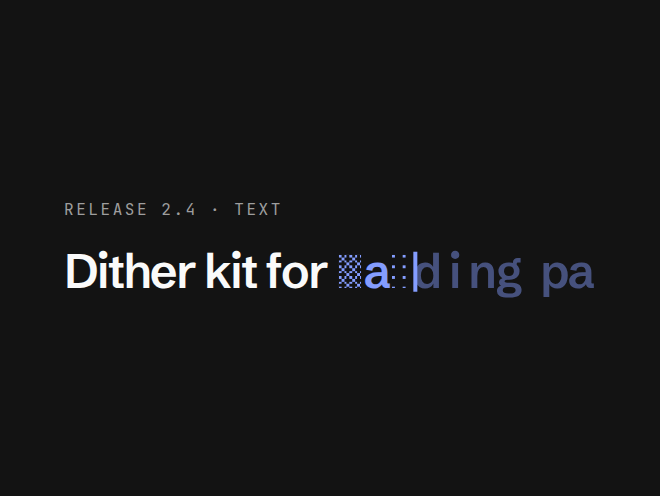
Text
4Display text drawn, revealed or counted with a dither.

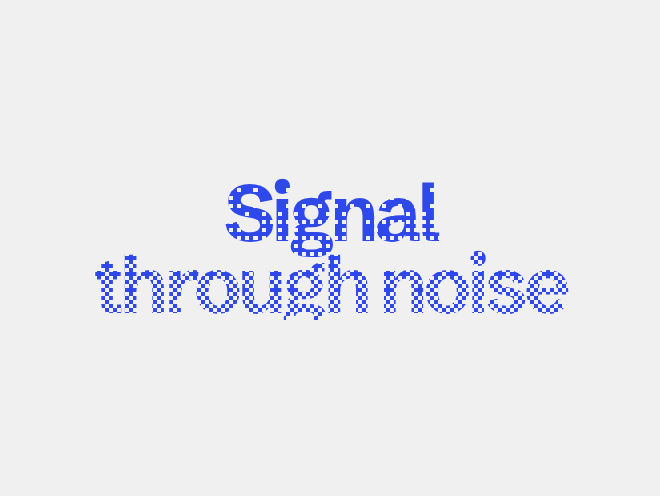



Images
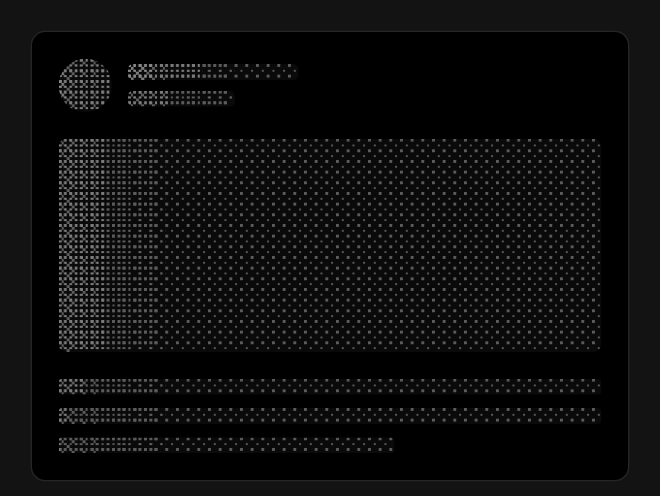
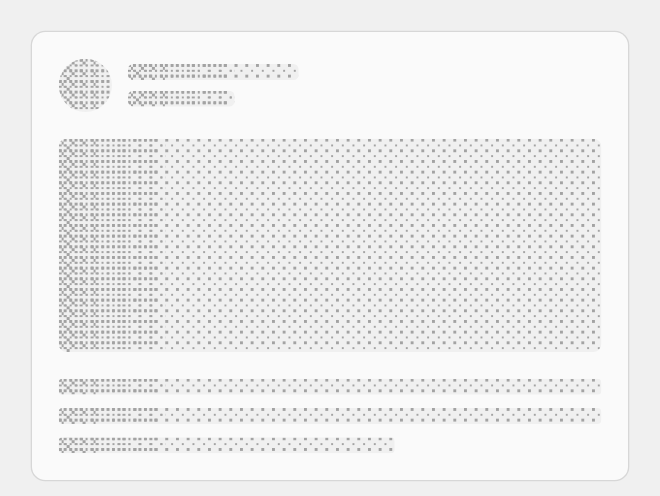
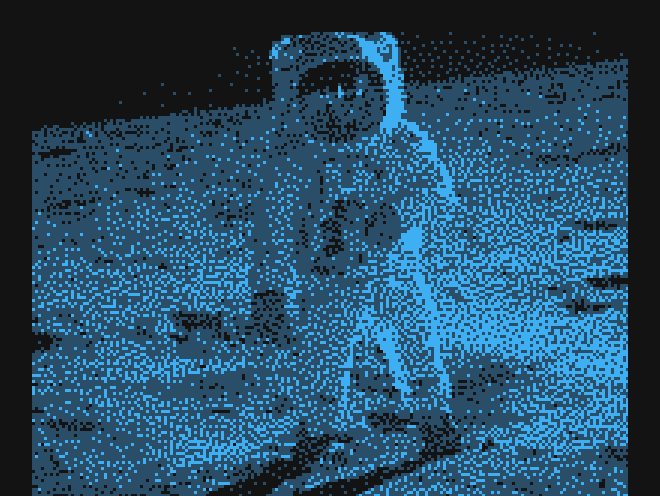
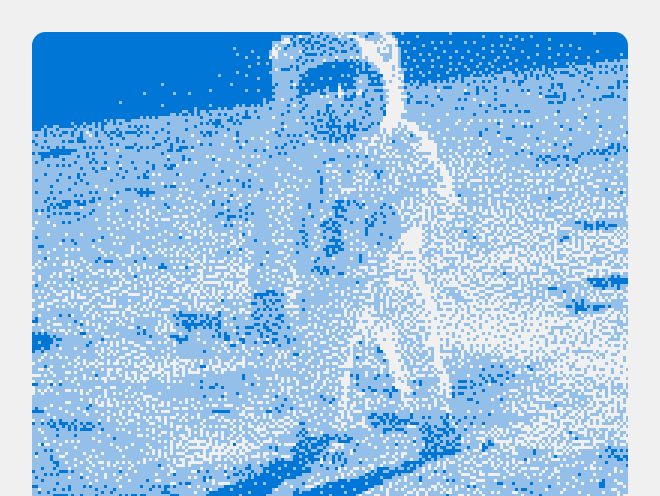
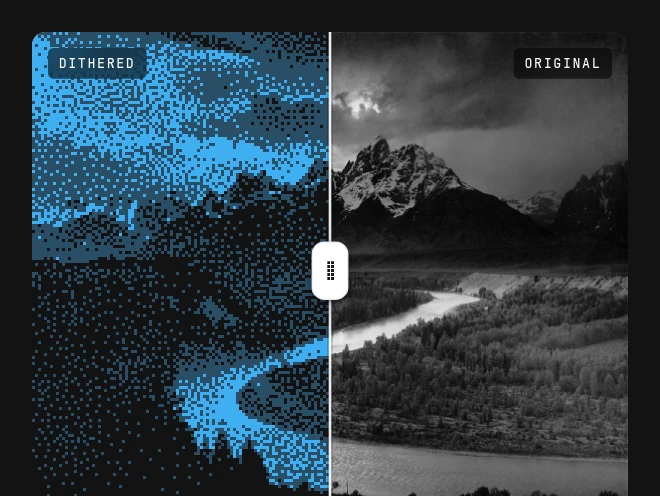
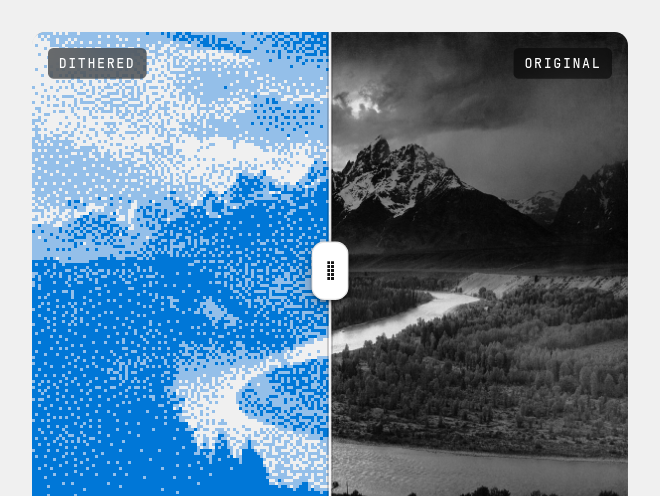
5Your images and logos, dithered.



Using an example
Install any example by its registry URL. It brings the engine with it the first time:
Backgrounds fill the box you give them. Put one behind your content with absolute inset-0:
import { DitherGradient } from "@/components/dithercn/dither-gradient";
export function Hero() {
return (
<section className="relative isolate min-h-[480px]">
<DitherGradient angle={160} className="absolute inset-0 -z-10" />
<h1>Your headline</h1>
</section>
);
}Backgrounds built on DitherShader share these props:
Charts and interface pieces take a color from the named palette and a fill of "gradient", "dotted", "hatched" or "solid". Each page lists every prop.